

To install a WordPress theme, you can follow these steps:
-
First, log in to your WordPress admin area.
-
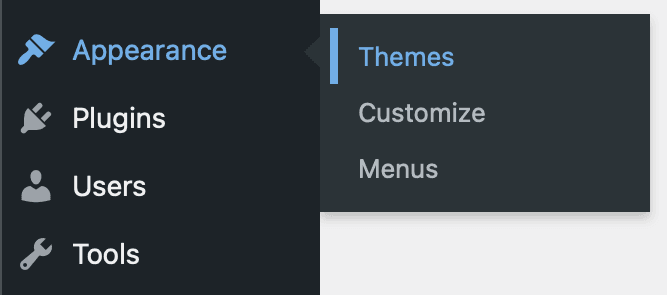
Next, go to the Appearance section and click on “Themes.”
-
Once you’re on the Themes page, click on the “Add New” button.
-
You will now see a screen with featured, popular, and latest themes, or you can search for a theme using the search box or upload a theme from your computer by clicking on the “Upload Theme” button.
-
Once you’ve found a theme you like, click on the “Install” button next to it.
-
After the installation process is complete, you can preview the theme or activate it.
-
If you choose to activate the theme, you will see your new theme on your website.
Note: Before installing a theme, it’s always a good idea to check if it’s compatible with your current version of WordPress and that it’s from a reputable source. You can also read reviews or do a little research on the theme before installing it.