

In Elementor, you may modify the container width site-wide to make your website responsive to any screen resolution or device. The width property of the container class can be set using CSS. Several breakpoints can also be added.


- Go to Custom CSS
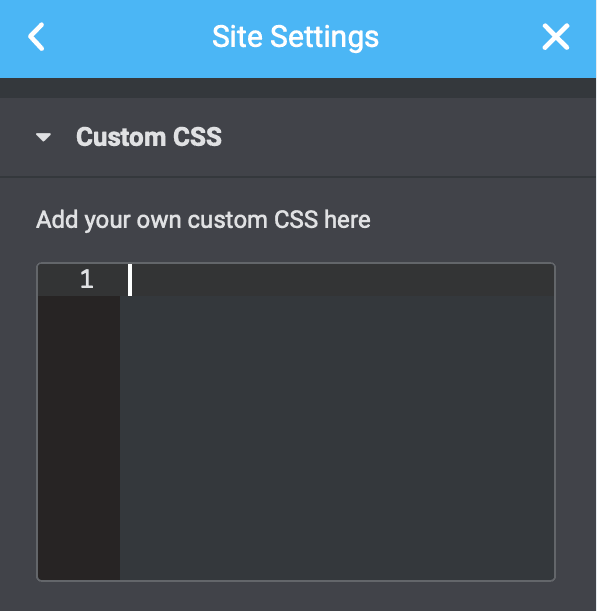
- Then copy the following into the global CSS settings.
- Then save changes.
					/* CONTAINER BOXED LAYOUT*/
/* Ultra wide */
@media (max-width: 3840px) {
.c-box {--content-width: 55%;}}
/* Desktop */
@media (max-width: 1920px) {
.c-box {--content-width: 65%;}}
/* Laptop big */
@media (max-width: 1600px) {
.c-box {--content-width: 74%;}}
/* Laptop small */
@media (max-width: 1366px) {
.c-box {--content-width: 77%;}}
/* Tablet portrait */
@media (max-width: 1200px) {
.c-box {--content-width: 80%;}}
/* Mobile */
@media (max-width: 767px) {
.c-box {--content-width: 85%;}}
If you need to, you can then customise the width settings to your needs.
Turn off extended site padding
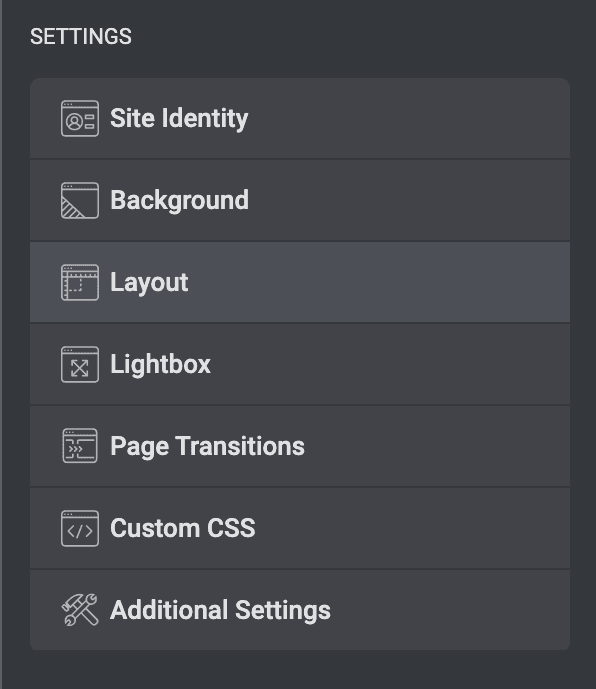
You will need to turn off extended site padding. You can do this under site settings, but got to Layout. Then make sure the container padding is all set to 0 and unlinked. Then save changes.

How to activate it?
Edit every container.
- Under layout, remove the width number.
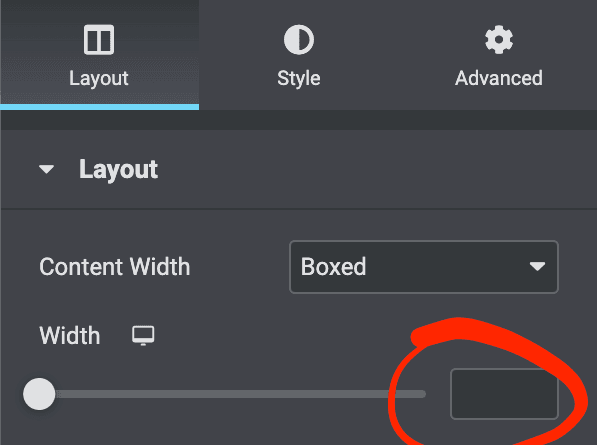
You will need to go to the advanced tab on every container ( including the header and footer ) and place c-box in the css classes. Then it will use that class.

Conclusion
You can develop a website that not only looks fantastic on different devices but also provides a smooth and flexible user experience by customising the container width and utilising the responsive editing tools in Elementor.
You can quickly alter the container width with Elementor’s easy interface to maintain a consistent layout across different devices. Therefore, visitors to your site using PCs, tablets, or mobile phones will have an optimised surfing experience that does not need them to zoom or scroll unnecessarily.
This mobile-friendly design improves not only user satisfaction but also SEO performance, as search engines prioritise responsive websites. All of this is possible with Elementor without the need for substantial code.