

Images suddenly missing in your media library, or not able to upload media? In this article, we will show you how to fix the image upload issue in WordPress.
What causes this?
- Wrong file permissions ( Most Common )
- Misconfiguration on your server
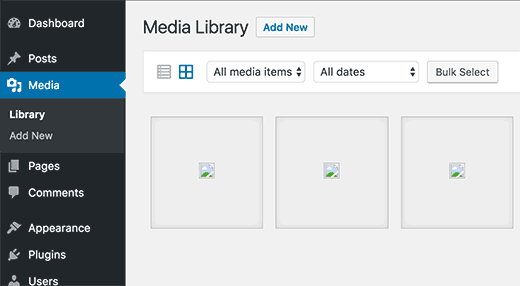
Here are some things you can check.
1. Check permissions are correct.
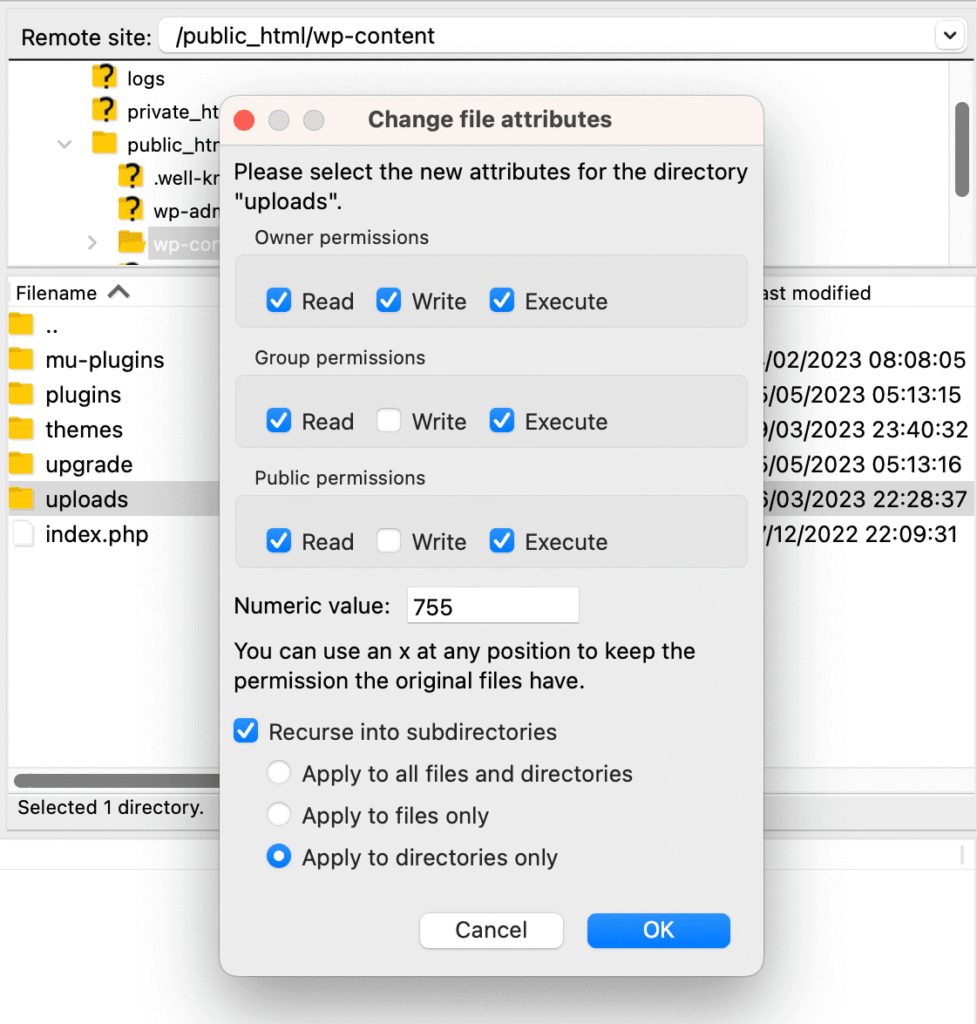
Make sure the file permissions on your media files are set correctly. To verify the file permissions of your media files, use an FTP client. Simply use your FTP credentials to connect to your website, then look in the wp-content/uploads folder for your media assets and check their file permissions. Set folder permissions to 755.
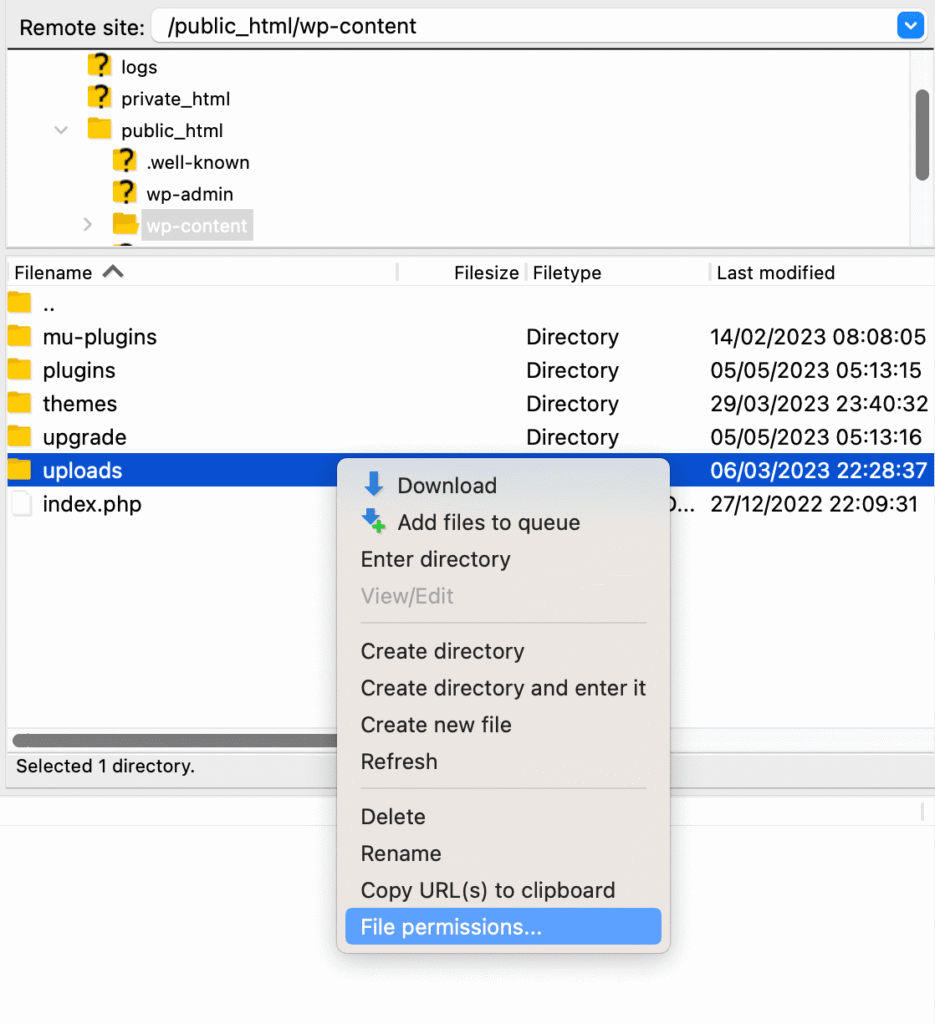
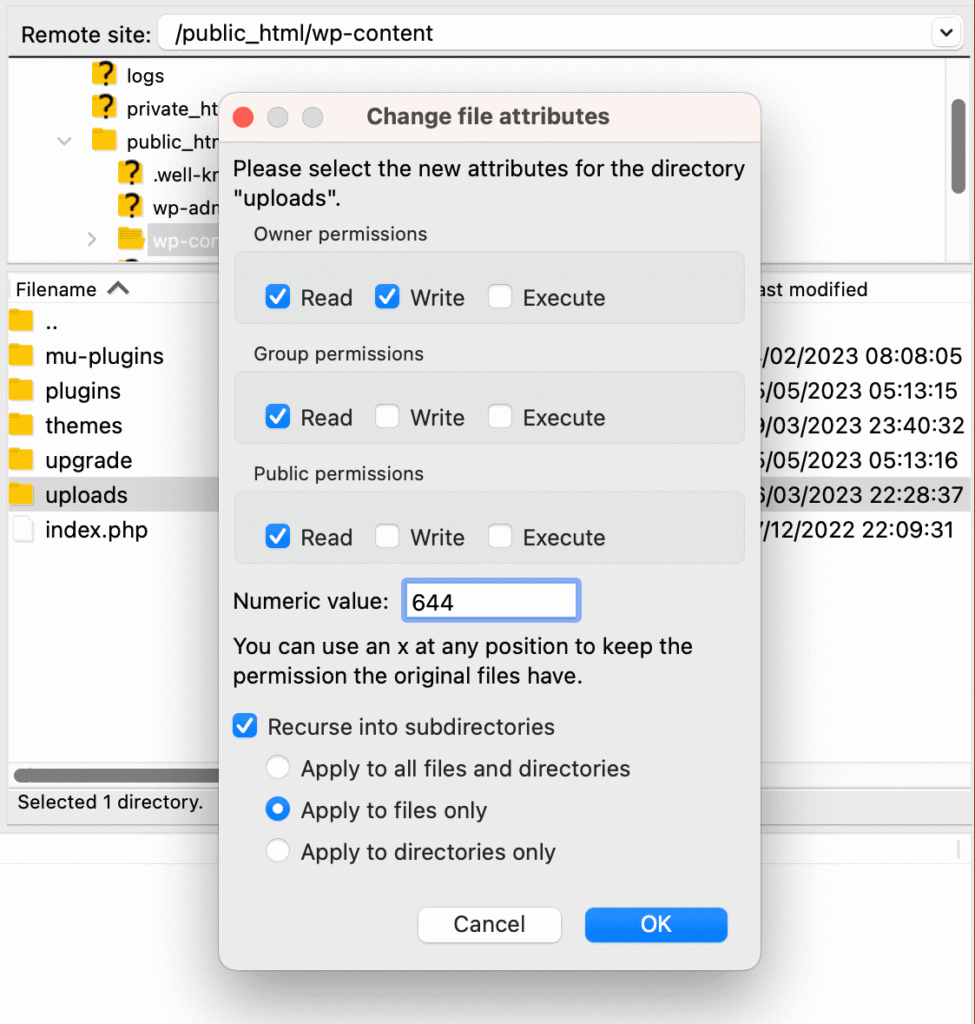
Setting file permissions for each file in the uploads directory is the next step. Right-click the uploads directory and choose file permissions to accomplish it. Change the numerical number to 644 in the file permissions dialogue box.
2. Clear cache
Your website’s cache can be cleared to address the issue of missing thumbnails. You can use a caching plugin that you have installed to clear the cache on your website. Just clear the cache in the plugin’s settings.
If your caching is being managed at server level and you don’t have root access to it, then contact your hosting provider for asistance.
3. Regenerate Thumbnails
If all your file permissions are correct, then the missing thumbnails can usually be resolved by regenerating them. All of your media files’ thumbnails can be generated with the Regenerate Thumbnails plugin. Just install and activate the plugin, then select Regenerate All Thumbnails under Tools > Regenerate Thumbnails.
If you’re still having problems identifying your issue, You can also ask your WordPress hosting provider for support. We hope this article helped you fix the upload issue in WordPress. If you can, please share it on social media.