

Certain default WordPress features may conflict with the design or user experience goals of your website. The Next/Previous post buttons, which are normally placed at the conclusion of a blog article, are one example. In this quick tutorial, I will show you how to remove the Next/Previous post buttons in WordPress.
To achieve this, you will need to follow these steps.
Step 1
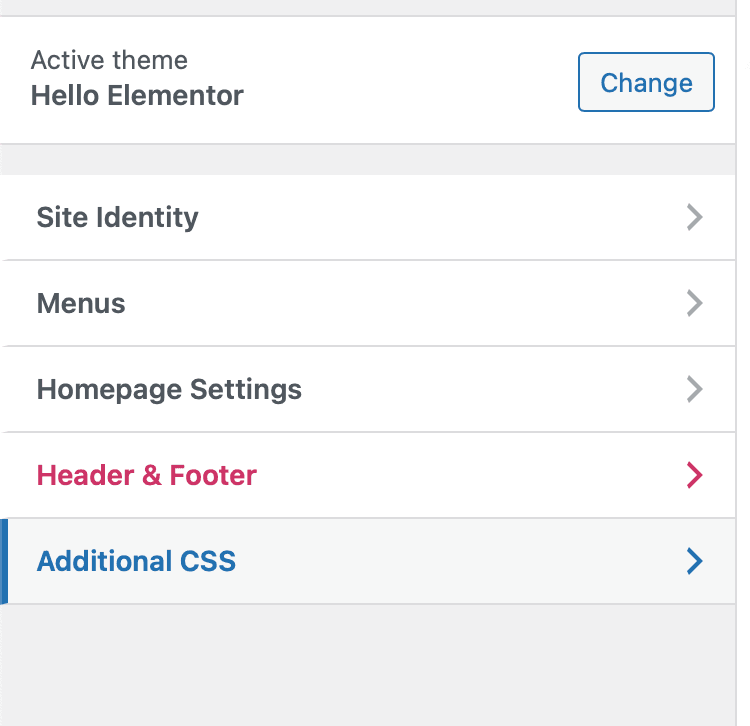
Go to Appearance > Customize

Step 2
Navigate to the Additional CSS tab.
Step 3
Then Place the following code their and publish the changes.
.post-navigation a { display: none; }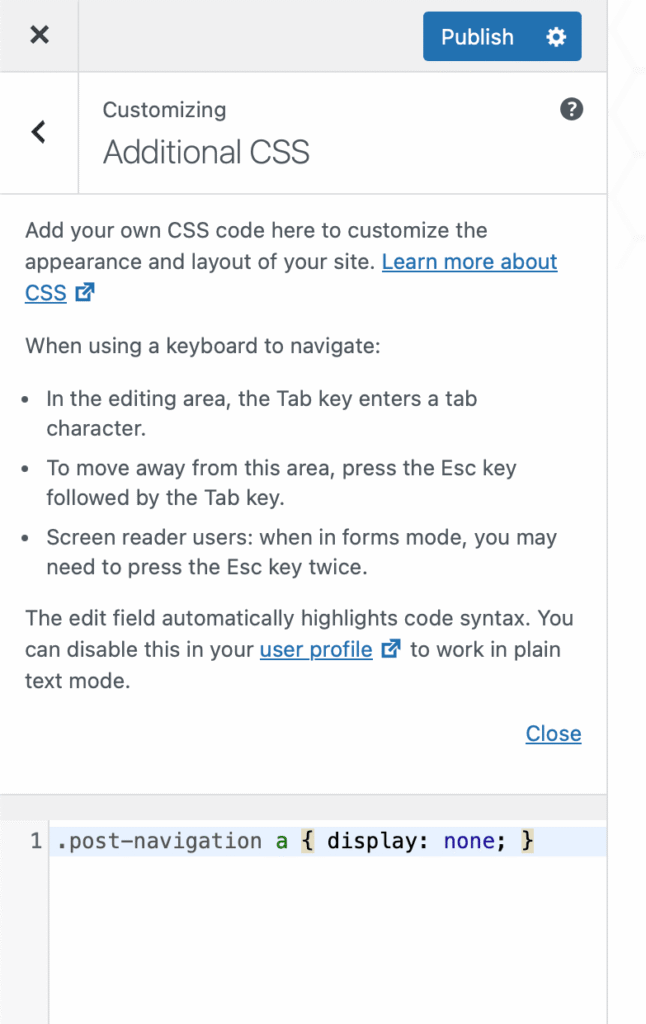
Now navigate to a single blog post to see that the Next/Previous post buttons have been removed successfully. When you get to the bottom of the post, the Next/Previous post buttons should be gone.
This should work in the same way, with most themes. For this example, the Hello Theme from Elementor was used.